

Contents
- First, the key distinction: only location-tagged records become pins
- Before the trip: the map is also a want-to-go list
- During the trip: 30 seconds on the spot, with the location attached
- After you return: open the map and enjoy the trip once more
- FAQ | Travel wine map Q&A
- Summary
- Today's one action
- Get started
Where Did You Drink That Wine? How to Make a Travel Wine Map from Your Pins
You remember the taste of the wine you drank on a trip — but not where you drank it. Has that happened to you?
- "Which shop was that? Near the station, or up the hill?"
- "The photo is still there, but I can't remember the name or the place."
- "Once I'm home, all the wines from the trip blur together."
Taste comes back most vividly when it is tied to a place. In POURPIN, a record saved with a location appears as a pin on the Map tab. So if you simply keep saving the place where you drank, your route becomes your wine map.
This article covers the one condition that makes a pin appear, and how to use the map before, during, and after a trip. No special preparation is needed.
First, the key distinction: only location-tagged records become pins
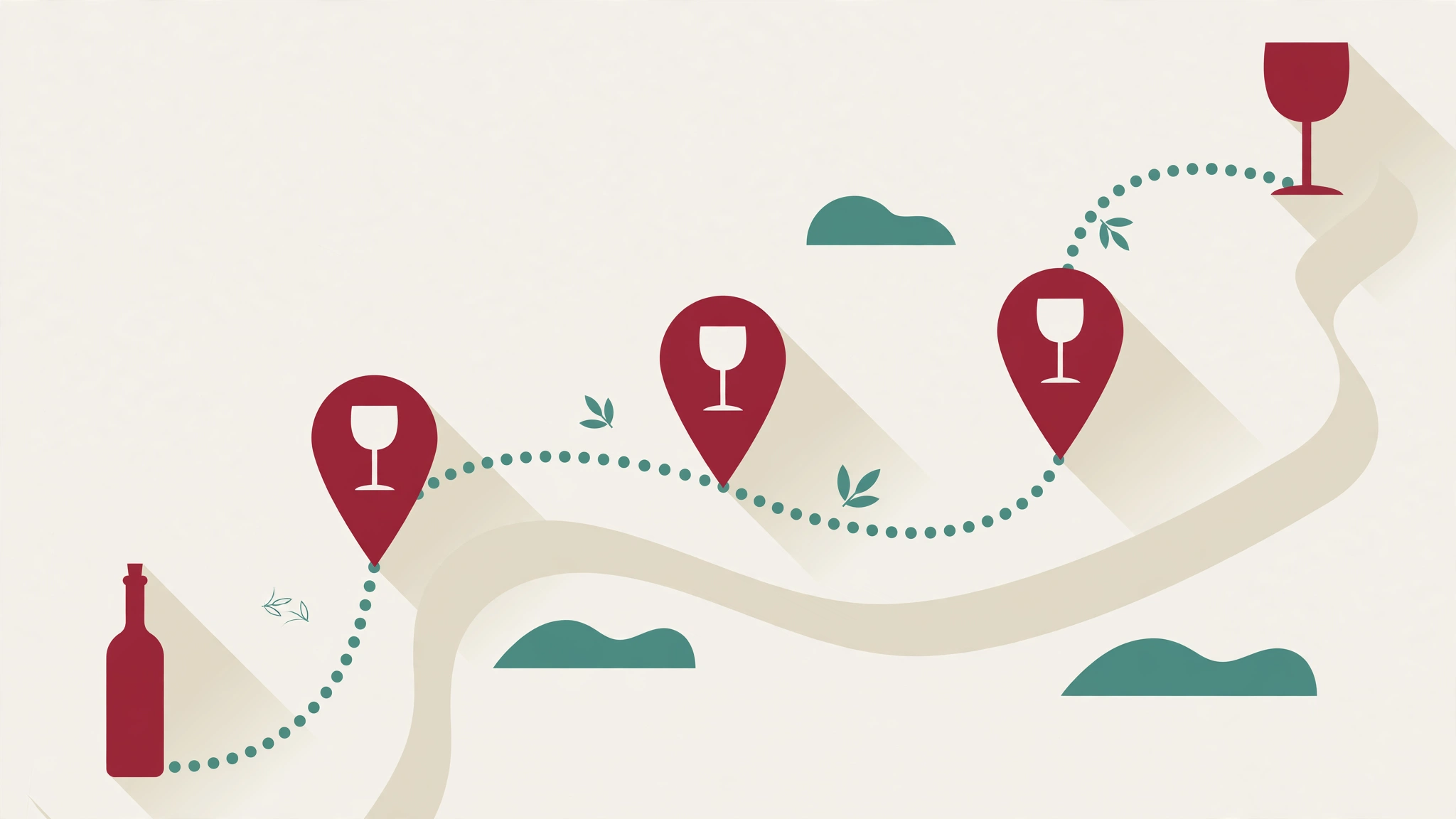
POURPIN records have two place-related items, but only one of them puts a pin on the map.
Item | Becomes a map pin? | What it means |
|---|---|---|
Location tagging (check-in) | Yes | The place where you drank that wine appears as a pin on the map |
Place buttons (Home / Restaurant) | No | A category for where you drank — not a map pin |
So if you want a travel map, tag the location when you drink. That is the only condition. Pressing the place button alone will not grow the map. And conversely, once the location is saved, the map takes the shape of your trip on its own.
The record itself stays as usual: a label photo, wine name, winery, and country, type (red / white / rosé / sparkling / orange / dessert), and Drank / Want to Try status. For a wine you drank, add 1–5 stars and a Hint word or two (cherry, smooth, fruity, velvet, vanilla — real Japanese Hint words in the app), so that when you open the pin later, the taste comes back too.
This map feeling is also introduced in POURPIN's YouTube Short Pins Along the Way.
Before the trip: the map is also a want-to-go list
The map is not only for looking back after you return. Before a trip, use it like this.
Before-trip use | How |
|---|---|
Choose a region to visit | Look at the countries and regions of your 4-star-and-up records, and pick a trip destination from them |
Save wines as Want to Try | Keep wines you are curious about as Want to Try, as a shopping list for the trip |
Open pins from a previous trip | Open pins from the same city to recall the tastes and places from last time before you set off |
For example, if you once gave 5 stars to a French wine, that is a reason to look for the same region's wine on your trip. The map shows your taste history by place.
During the trip: 30 seconds on the spot, with the location attached
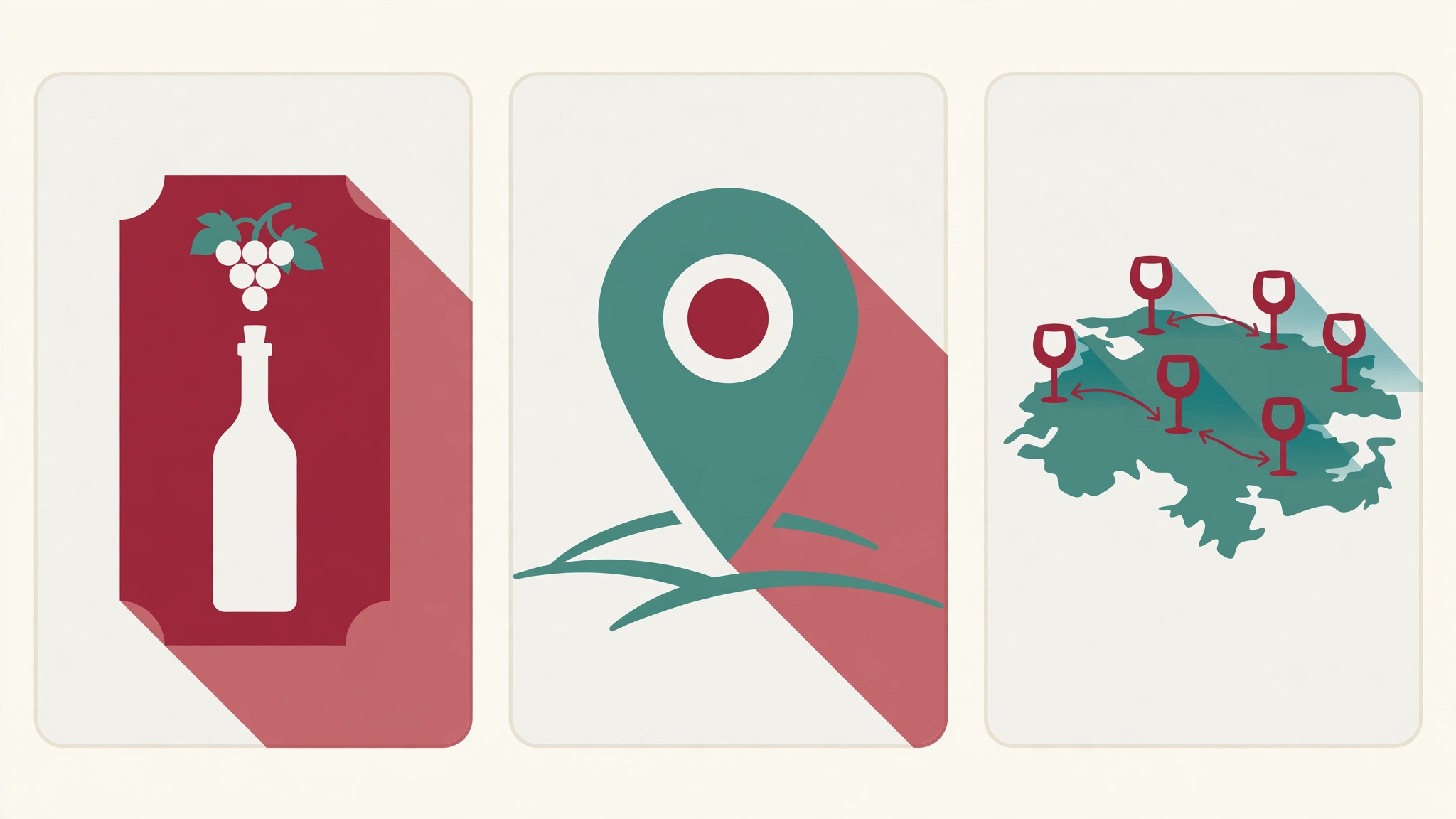
Records made during a trip do not need to be perfect. Leave the rest for later, and on the spot, keep just these three.
Step | Do this | Tip |
|---|---|---|
1. Photograph the label | Keep a photo of the front label | Even a photo alone lets you fill in the name and country later |
2. Attach the location | Tag the place where you drank it | This is what becomes a map pin. Do it on the spot, before you forget |
3. Leave one word | Stars and 1–2 Hint words | Just "fruity" or "smooth" is enough to bring the taste back later |
There is no need to write a long note during the trip. A location and one word are enough: the pin stands, and the taste has a clue. Fill in the rest when you get home.
If you can no longer tell which shop you drank at, you can also search from the wine's name or label. For how to read a label to find a wine, see the label-diagram article.
→ How to Find a Wine When You Can't Read or Remember Its Name — A Label Diagram
After you return: open the map and enjoy the trip once more
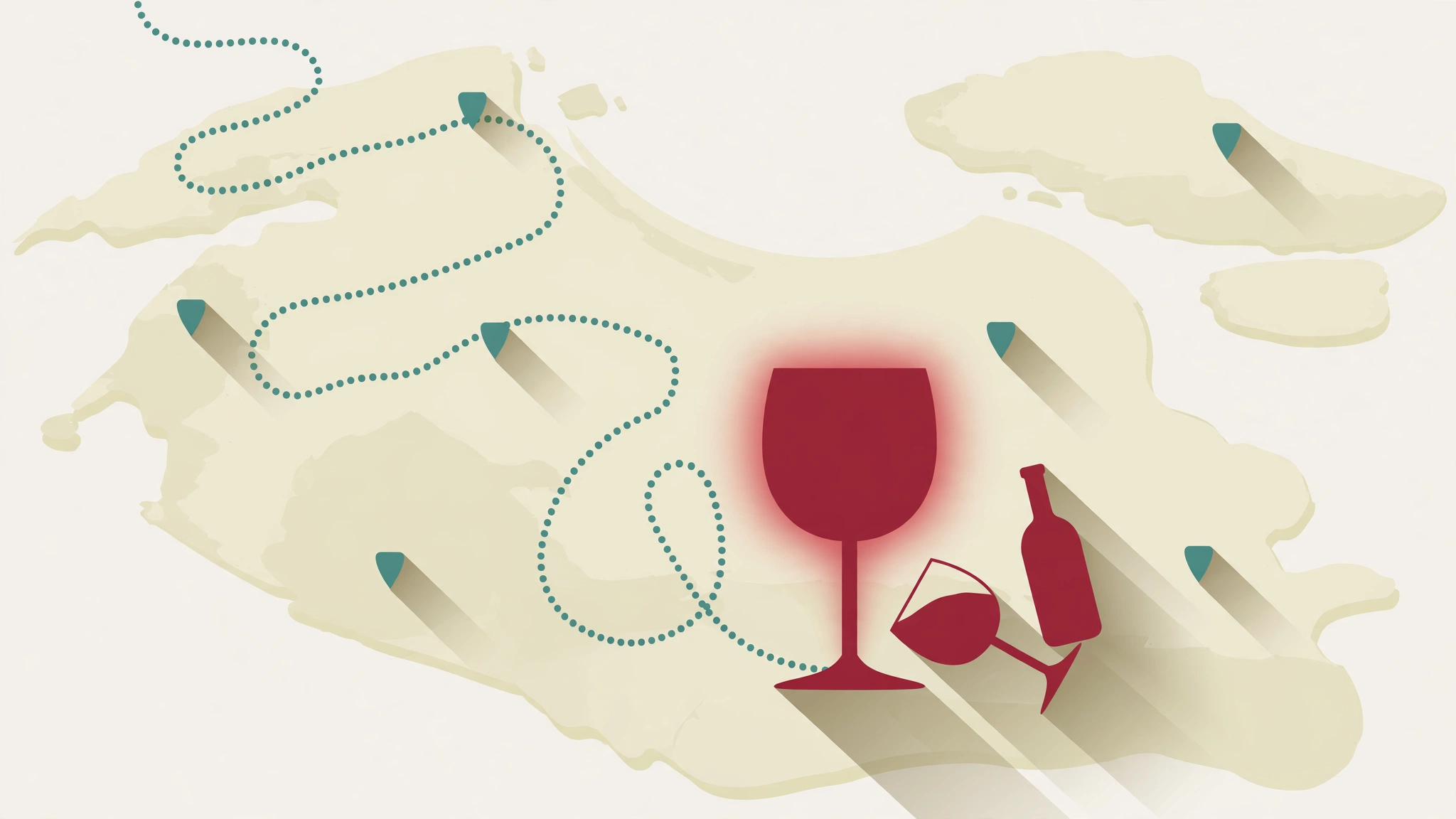
There are three ways to enjoy the map after you return.
Way to look back | What you will see |
|---|---|
Trace the route | The line of pins is the order of your trip. Where you drank what is visible at a glance |
Compare by place | Line up pins from the same city, compare stars and Hints, and see that city's taste pattern |
Seed the next trip | Make the area near a highly rated place a candidate for your next trip |
As pins grow, a bias across countries also appears. POURPIN's badges include a world-travel set (France / Italy / Spain, and 5-country and 10-country badges). More pins on the map simply mean your wine journey is growing.
When you look back over the whole year, combining the map with an inventory makes it even richer.
→ A Year of Nights, Counted in Bottles — A Year-End Wine Inventory to See How Your Taste Changed
FAQ | Travel wine map Q&A
Q1. Does a record without a location appear on the map?
No. Only location-tagged records become pins. If you forgot to tag one, add the location afterwards — right after you return is when you are least likely to forget.
Q2. Do the Home / Restaurant buttons put a pin on the map?
No. Those buttons are a category for where you drank, not a map pin. A record you want on the map needs location tagging.
Q3. My records get sloppy during a trip.
Sloppy is fine. On the spot, keep only label, location, and one word. Detailed notes and country details can wait until you are home. A pin and one taste word are enough to grow the record later.
Q4. Can I attach a location to a wine I want to try?
Yes. Keeping a wine you want to find on a trip as Want to Try makes it a candidate list for the trip. Once you drink it, change the status to Drank and add stars and Hints.
Summary
- Only location-tagged records become map pins (not the Home / Restaurant buttons)
- During a trip, keep just label, location, and one word
- Afterwards, trace the route, compare by place, and seed the next trip
Today's one action
Think of one wine you drank on a past trip, and re-save it with its location attached.
One pin is enough. Once one pin stands, the map is already the beginning of your travel wine map.
Get started
Try it free first
→ Sign in free at pourpin.fun (log up to 30 bottles). Before your next trip, try standing one pin.
To keep your records as an asset
→ Premium: log up to 1,000 bottles, plus detailed search and Export (CSV/JSON). As trips accumulate, your map and records stay intact.
Ready to start logging your wine journey?
Log up to 30 wines for free with POURPINNeed more? Premium: unlimited + export for $2.99 USD/month
- Google Play
- App Store


